
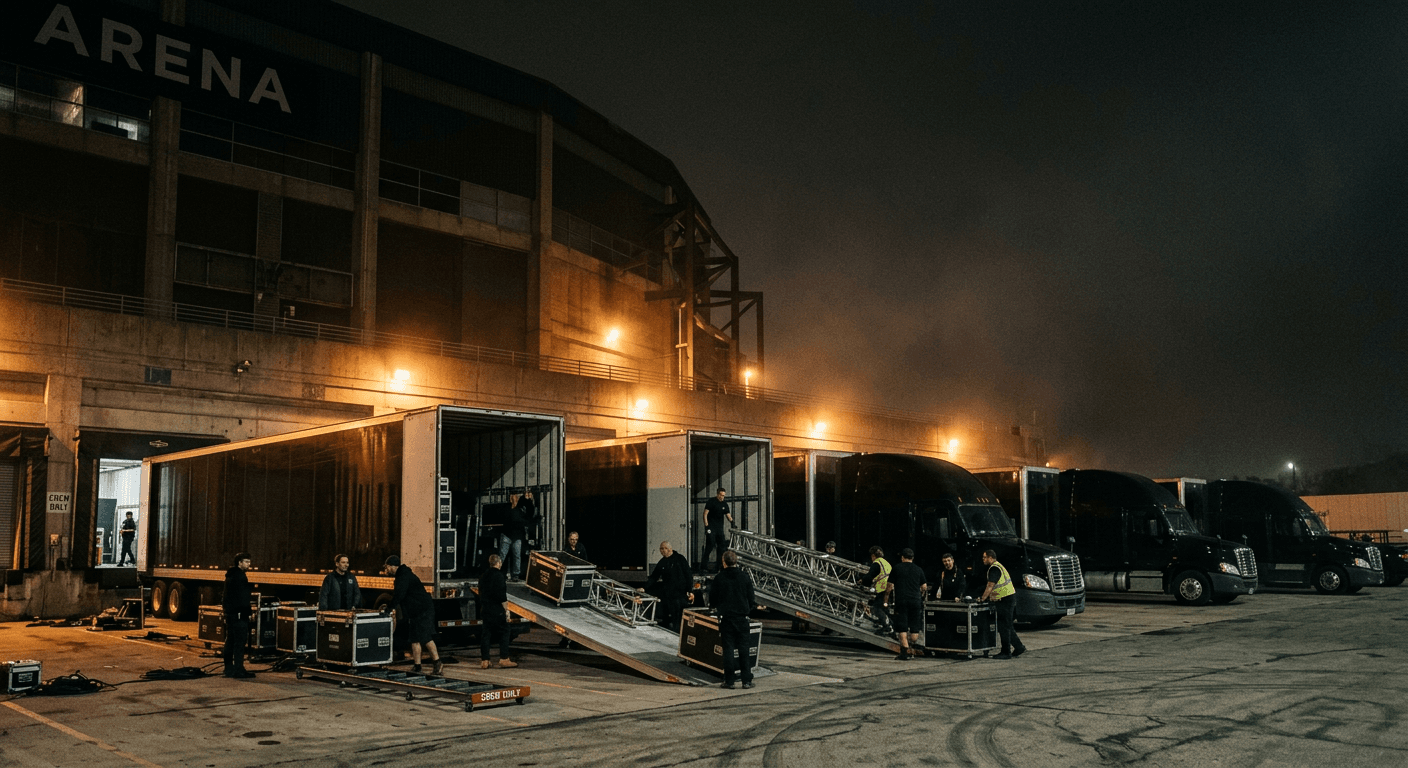
Transportation management for live touring
Every truck.
Every venue.
On cue.
ShowTime TMS runs the road side of the show. Tour routing, dispatch, backline commitments, crew paperwork and progressive billing live in one system, so the next load-in is already handled before this load-out ends.
- 06:00Trucks on dockRogers Arena · Dock BT-14 · T-15Clear
- 07:30Load-inRigging + lighting · 22 casesCrew AStandby
- 13:00Backline checkCommitment #4471 confirmedSprinter 3Queued
- 19:30DoorsTracking link shared with TM—Queued
- 23:15Load-outNext stop · Seattle · 228 kmT-14 · T-15Queued
- 02:40Settle showProgressive bill 3 of 9 draftedAccountingQueued
Why ShowTime
A tour isn't a freight load
Freight software thinks in pallets and lanes. A tour is a moving production with hard call times, shared equipment and a client who wants to know where the show is right now. ShowTime was built around that from day one.
- Loads and palletsTours, stops and shows
- Pickup and delivery windowsDock times, curfews and load-out calls
- One shipper, one consigneeProduction, venue, promoter and crew
- Invoice per loadProgressive billing across a whole run
- Trucks sit between loadsEquipment committed for months at a time
The platform
One system from advance to settlement
Seven connected modules that share one record of the tour, so planning, dispatch, the driver and accounting never disagree.
Tour planning
Route the whole run before the first truck rolls.
Learn moreDispatch
Every movement assigned, every conflict caught early.
Learn moreEquipment and load plans
Know what is on which trailer, and where it goes next.
Learn moreFleet, maintenance and carriers
Keep the units road-ready and the partners vetted.
Learn moreDocuments and communication
The right paper, attached to the right job.
Learn moreBilling and finance
Bill the tour the way it actually ran.
Learn moreDriver app and tracking
The driver's whole day, in their pocket.
Learn morePlus Standby
An assistant on every screen that drafts the fix and waits for your go.
Inside the product
The board your night runs on
Every tour, unit and driver on one screen. Conflicts surface on the movement itself, and drivers update status from the road.
R. Lindqvist is 1h 40m short on hours for Phoenix → Las Vegas. Standby suggests swapping with D. Mensah on T-133.
| Unit | Driver | Leg | Call | Status |
|---|---|---|---|---|
| T-114 / 53' air-ride | M. Alvarez | Denver → Salt Lake City | 23:30 | Rolling |
| T-121 / 53' air-ride | K. Osei | Denver → Salt Lake City | 23:45 | Staged |
| T-098 / 48' drop deck | R. Lindqvist | Phoenix → Las Vegas | 01:15 | Conflict |
| S-07 / Sprinter | J. Park | Chicago → Milwaukee | 02:00 | On dock |
| T-133 / 53' air-ride | D. Mensah | Phoenix → Las Vegas | 01:30 | Staged |
A show day in ShowTime
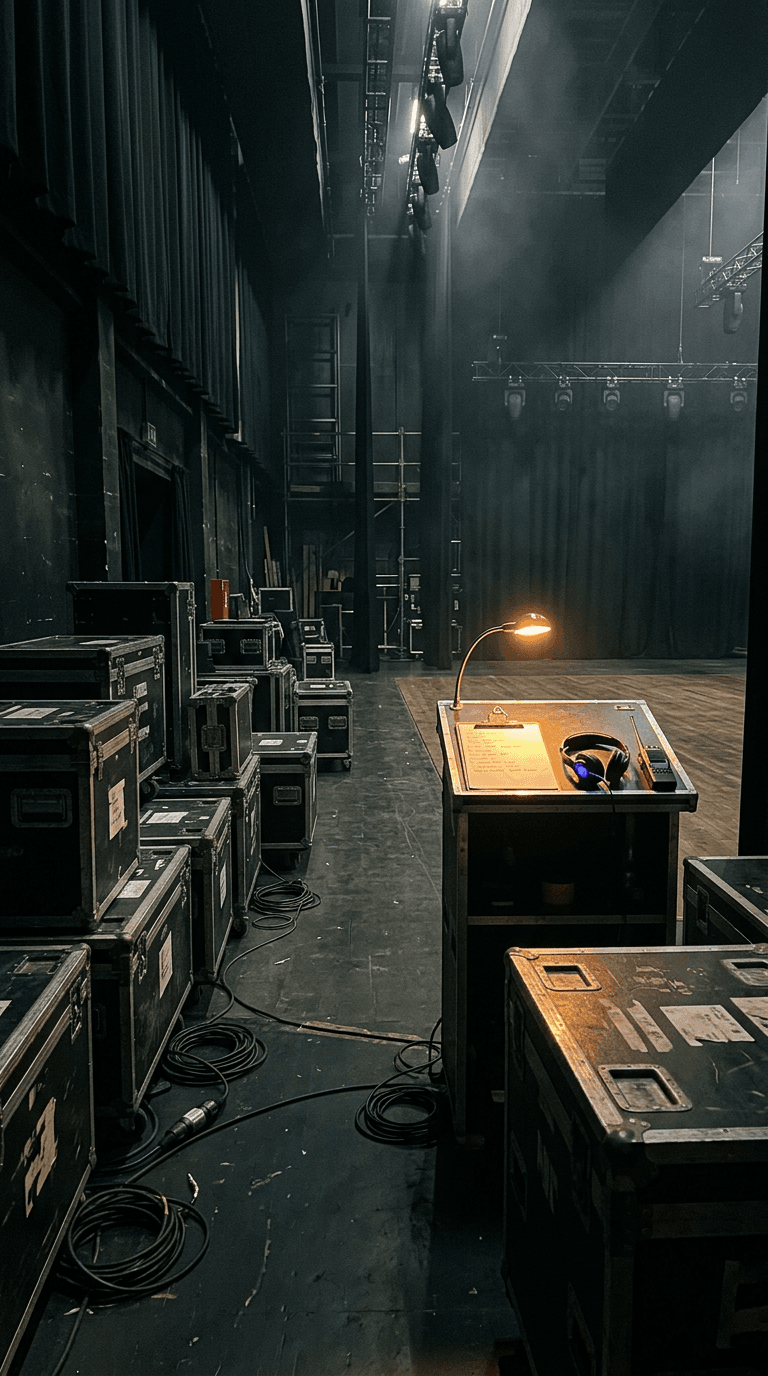
Twenty-four hours, one source of truth
Advance
Venue specs, dock access and contacts pulled into the stop before the trucks leave the last city.
Load-in
Drivers see their call time, dock and route on the driver view. The tour manager gets a live tracking link.
Show
Exceptions land in one queue: a late unit, an expiring permit, a backline swap. Each one has an owner.
Load-out
The next movement is already dispatched. Hours, fuel and tolls roll forward to the next stop automatically.
Settle
PODs file themselves to the job and the stop rolls into the tour's next progressive bill and driver settlements.
Who it's for
Built for everyone between the dock and the books
Trucking and transport companies
One board for every tour, unit and driver.
Dispatchers and coordinators
HOS and credential conflicts flagged on assignment.
Tour and production managers
Live tracking links for any movement.
Accounting and finance
Accessorials attached to the movement that earned them.
Drivers and owner-operators
Today's call, dock and route on one screen.
Standby
The crew on comms
Standby is the assistant built into every ShowTime screen. Open it with one keystroke and ask the question you would ask your best coordinator at 2am.
It proposes. You say go.
Standby drafts the reassignment, the delay notice or the invoice note. Nothing changes until a person confirms it.
It knows the screen you're on
Ask from Dispatch and it answers about tonight's movements. Ask from Finance and it reads the open bills.
It respects roles
A dispatcher's Standby never sees owner-operator pay or tax forms. Money fields are stripped for roles that can't view them.
A driver is out sick tonight. Who can cover the Seattle run?
Two drivers have the hours and the endorsement:
- M. Okafor · 9.5 h availableHome: Vancouver
- R. Lindqvist · 7.0 h availableOn tour: Stop 4
I drafted the reassignment for Okafor and a heads-up to the TM.
Plays well with your stack
ShowTime connects to the tools your team already depends on, so data flows in instead of being re-keyed.
- KeycloakSingle sign-on
- MotiveTelematics and ELD
- DATLoad board
- TruckstopLoad board
- QuickBooksAccounting export
Security
Access as tight as a stage door
Single sign-on with Keycloak
Every workspace signs in through your organization's identity provider. Passwords never touch ShowTime, and offboarding happens in one place.
Role-based access
Owner, dispatcher, accounting, safety, sales and driver roles see only the screens and figures their job needs, enforced on the server.
Isolated workspaces
Each company runs on its own subdomain with its own sessions, so one tour company's data is never a filter away from another's.
Places, please.
Already on a ShowTime workspace? Sign in with your company account. Planning your next tour? Let's talk about getting your fleet on the board.